
What can I search for in the search bar of the Dropbox Business admin dashboard?
If you're an admin for a Dropbox Business team, you can easily find the profiles of current members by using the search bar at the top of the admin dashboard.
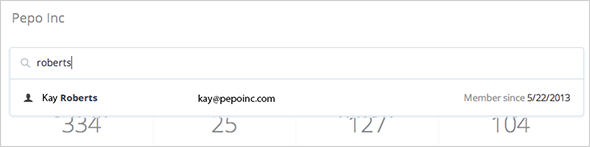
Enter the first name, last name, or email address of a member, and select the matching result from the list. You'll go right to the member's profile page, where you can view the member's activity or take various actions (add admin permissions, delete the user, and so on).
To find deleted members or delete invited members, go to the Members page of the admin console.
Learn more about the admin dashboard.


