
What is the Open button and how does it work?
The Open button simplifies accessing your files from the web—it allows you to open and edit your files on your computer without creating unnecessary copies. When accessing your own Dropbox from the web, click the Open button to open an existing local version of the file.
Why are the listed options different for some files?
The Open button will display different options depending on whether a file is already synced to your computer's hard drive. What follows are some of the scenarios you'll encounter.
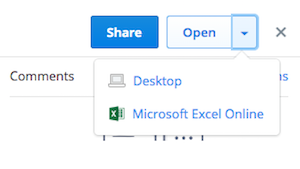
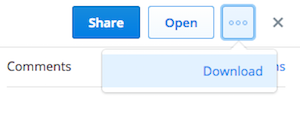
For .xlsx, .docx, .pptx files
- When a file is already downloaded to your device's hard drive, you can either open it in Office Online or on your desktop, which is the default option.
- When a file is not already downloaded to your device's hard drive, you can either open it with Office Online or download it to your desktop.
For .xls, .doc, .ppt files
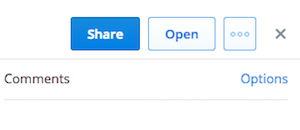
- When a file is downloaded to your device's hard drive, you can open it on your desktop.
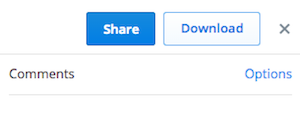
- When a file is not already downloaded to your device's hard drive, you can download it to the desktop.
Why is my file being opened with a specific application?
The Open button will open files using whichever application is set as the default for viewing files of that type on your operating system.
Can I still download the file?
If you see an Open button instead of a download button, there's no need to download the file because it's already synced to the Dropbox folder on your computer. Clicking Show in File Explorer (or Show in Finder on OS X) will open the file in your system file browser.


